Table of Contents
- Why is one sponsor account not enough?
- How do you build a Site custom object with its own status lifecycle in HubSpot?
- Where should investigators and study coordinators sit in HubSpot?
- How should Study, Site and sponsor records be associated?
- Which site feasibility data belongs in HubSpot properties?
- What clinical trial data should never go into HubSpot?
- How do you report site activation and enrollment in HubSpot?
- Who should govern a HubSpot custom object model?
- When does this HubSpot model break down?
- Frequently Asked Questions
Need help with B2B Marketing?
Let the smarketers’ team drive your pipeline with data-led campaigns and AI-powered growth strategies.
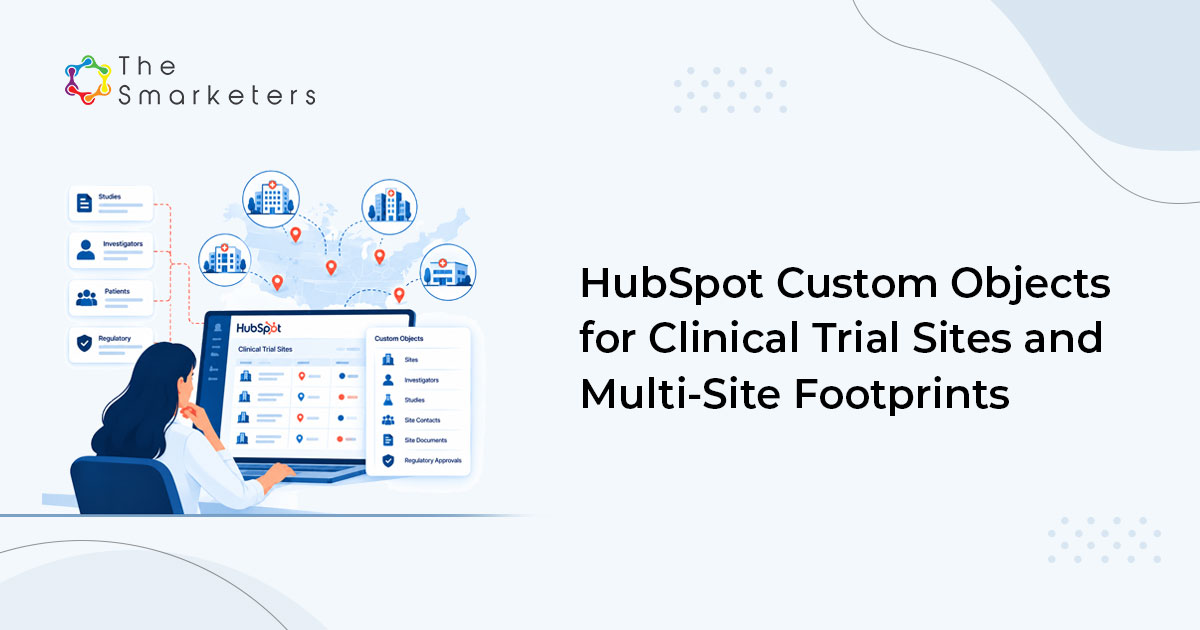
A sponsor is one account, but a study runs across dozens of sites and each site has its own status, its own investigator and its own enrollment number. In HubSpot for clinical research, model Study and Site as separate custom objects associated to the sponsor company, and feasibility, activation and enrollment become reportable without cloning the sponsor relationship forty times.
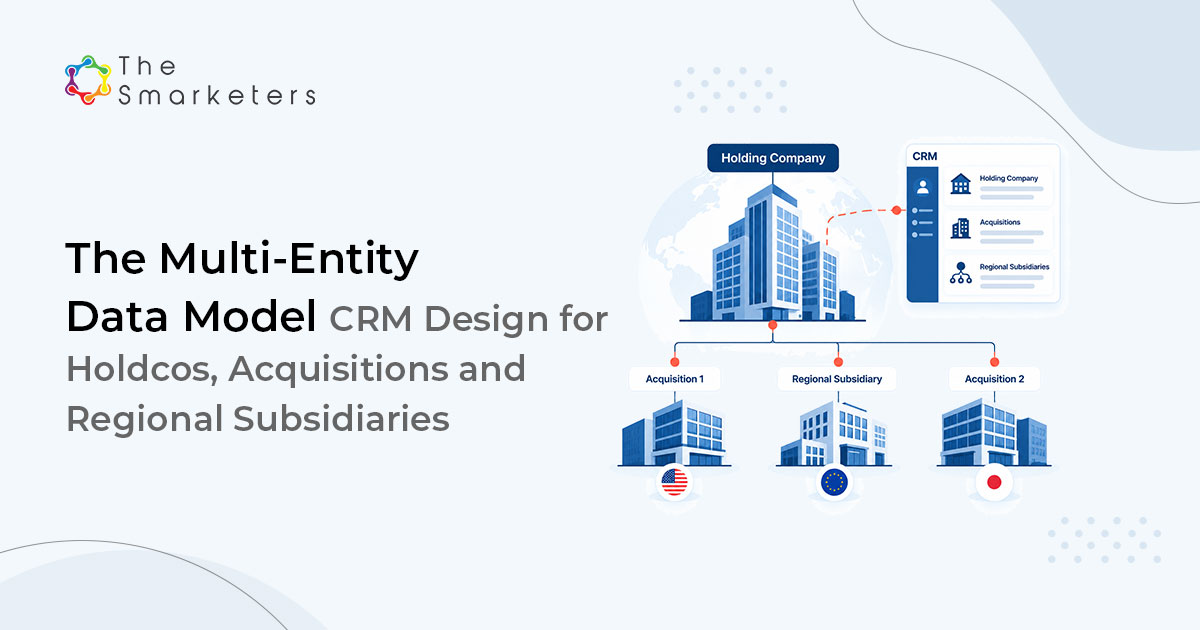
Most portals reach for a child company per site instead, a parent-child pattern that suits multi-entity CRM design but not clinical sites. That works until you need enrollment by protocol, at which point you find a company record has no idea which study it belongs to.
Why is one sponsor account not enough?
Because three relationships are squashed into one. The sponsor pays. The institution is where the work happens. The site is the specific combination of protocol, investigator and facility that either activates on time or does not.
A single hospital may run four of your studies with three principal investigators, and one of those sites can be your strongest enroller while another has never screened a patient. Averaged at account level, both facts disappear.
STAT
The average B2B buying decision now involves 13 internal stakeholders and 9 external influencers, and procurement is a decision-maker in 53% of business buying cycles. Source: Forrester, State of Business Buying, January 2026.
In clinical research those influencers include investigators, research pharmacy, contracts and ethics committees, most of whom never appear in a CRM, which is why ABM for CROs has to reach well beyond the sponsor contact.
| Capability | Child company per site | Site custom object |
|---|---|---|
| Links a site to its protocol | No | Yes |
| Institution-level reporting across studies | Limited | Yes |
| Study-level reporting across institutions | No | Yes |
| Investigator role per study | No | Yes, via association labels |
| Required HubSpot tier | Any | Enterprise |
How do you build a Site custom object with its own status lifecycle in HubSpot?
Create the Site custom object in HubSpot, then give it a status property. Custom objects in HubSpot do not carry the lifecycle stage property that contacts and companies have, so you build the equivalent yourself and drive it with workflows.
| Property | Type | Notes |
|---|---|---|
| site_number | Single-line text | Protocol-prefixed, used as unique ID |
| site_status | Dropdown | Identified, feasibility sent, feasibility returned, selected, contracting, ethics submitted, activated, enrolling, closed |
| site_type | Dropdown | Academic centre, community hospital, private practice, dedicated site |
| activation_date | Date picker | Sets the activation clock |
| enrolment_target | Number | Per site, not per study |
| enrolment_actual | Number | Synced from the trial management system |
| days_to_activation | Calculation | Selection date to activation date |
| enrolment_index | Calculation | Actual divided by target |
Set the unique identifier flag on site_number. HubSpot supports unique-value properties on custom objects, which is what stops duplicate site records appearing every time someone imports a feasibility spreadsheet.
Where should investigators and study coordinators sit in HubSpot?
On the contact record, associated to the Site rather than to the sponsor, which is what makes investigator relationship management work across studies. The same person is frequently an investigator on one study and nothing at all on another, so the role belongs to the association, not to the person.
| Association label | From | To | Why it matters |
|---|---|---|---|
| Principal investigator | Contact | Site | Drives feasibility outreach and CV collection |
| Sub-investigator | Contact | Site | Continuity when the PI moves |
| Study coordinator | Contact | Site | The person who actually answers email |
| Research pharmacy | Contact | Site | Gates drug handling questions |
| Contracts contact | Contact | Institution | Owns the budget negotiation |
Association labels require Professional or Enterprise, and the number you can create per object pair depends on your tier. Five is usually enough; the discipline is refusing to add more.
How should Study, Site and sponsor records be associated?
Three objects, four associations, and one rule: never associate a Site directly to the sponsor company.
| Association | Label | Cardinality |
|---|---|---|
| Study to Company | Sponsored by | Many studies to one sponsor |
| Site to Study | Participating site | Many sites to many studies |
| Site to Company | Operated by (institution) | Many sites to one institution |
| Deal to Study | Contracted under | One deal to one study |
That structure lets you ask two questions that a flat model cannot answer: how does this institution perform across every study we have run with them, and how does this study perform across every institution. Both are the basis of a credible site selection conversation.
We rebuilt this model for a research services client who had been running 200 sites as child company records. Migration took eleven days, most of it reconciling site numbering, and the first useful output was an institution-level activation report showing that four of their five slowest sites shared the same central ethics process. That was not visible before, because the delay had been recorded as a note on each individual record.
PROOF POINT
Savantis, an SAP partner, generated 150+ MQLs from companies with more than $500M in revenue once targeting was rebuilt around the enterprise accounts that actually buy, rather than a flat list of company records.
Which site feasibility data belongs in HubSpot properties?
Store site feasibility data as a property only if you will filter, report or trigger on it. Everything else stays in the document and gets attached.
| Property | Type | Used for |
|---|---|---|
| patient_population_access | Number | Site ranking |
| competing_trials_count | Number | Enrolment risk scoring |
| ethics_route | Dropdown | Central or local, drives timeline |
| contract_template_accepted | Boolean | Predicts contracting delay |
| startup_cost_estimate | Number, currency | Budget modelling |
| feasibility_returned_date | Date picker | SLA measurement |
| site_risk_band | Dropdown | Calculated from the four fields above |
Build site_risk_band with a workflow rather than a formula. The banding logic changes, and a workflow is easier to amend than a calculation property with nested conditions.
KEY TAKEAWAY
If a field will never appear in a filter, a report or a workflow trigger, it is documentation. Put it in the attached feasibility questionnaire and keep the object model small.
What clinical trial data should never go into HubSpot?
Subject-level data. No patient identifiers, no screening logs, no adverse event detail, no anything that would put your marketing platform inside the scope of a regulated system. Enrollment belongs in the CRM only as an aggregate count, synced from the trial management system through a custom HubSpot integration.
HubSpot offers sensitive data controls on Enterprise tiers, and your legal team should confirm what your contract permits before anything regulated is stored. Even where permitted, a CRM is not a validated system and does not provide the audit trail a regulated record requires. Keep the boundary at site level and the argument stays simple, the same tiered approach we set out in our guide to HubSpot for pharma and life sciences.
How do you report site activation and enrollment in HubSpot?
Three reports carry most of the value for site activation and enrollment tracking: the site activation funnel, median days to activation, and enrollment index by institution. Site activation funnel, grouped by site_status and filtered by study, shows where startup stalls. Median days_to_activation by ethics_route and site_type shows why. Enrollment index by institution, aggregated across studies, is the report that changes site selection for the next protocol.
One constraint to design around: the custom report builder joins a limited number of objects in a single report, and rollup calculations across custom object associations are restricted. Rather than fighting it, write aggregate values back to the Study record with a scheduled Data Hub (formerly Operations Hub) workflow, then report on the pre-computed property. Our HubSpot implementation team does this on most pharma and life sciences builds.
Who should govern a HubSpot custom object model?
One named owner, a written property dictionary, and a quarterly HubSpot audit that deletes anything unused. Custom object builds fail slowly: someone adds a field for one study, nobody documents it, and eighteen months later a third of the properties are empty and nobody dares delete them.
Three rules hold it together. New properties need a stated report or workflow that will use them. Dropdown option lists are not edited ad hoc. Structural changes are built in a sandbox first, which Enterprise portals provide.
When does this HubSpot model break down?
Custom objects require Enterprise, and HubSpot limits how many custom object definitions a portal can hold based on your subscription. Study and Site take two, and if you also need Protocol Amendment, Contract and Vendor you are closer to the ceiling than you think. Plan the full model before building the first object.
Custom object records cannot be marketing email recipients, because email goes to contacts, and they do not feed contact lead scoring directly. Mirror the two or three values you need onto the associated contacts with a workflow if investigator nurture matters to you.
If your organization already runs a clinical trial management system, this is not a replacement for it. In HubSpot for clinical research, the CRM model exists to run business development and site relationship management. The moment someone asks it to track subject visits, the design has failed and you should say so.
Frequently Asked Questions
How do you use HubSpot for clinical research operations?
Model Study and Site as custom objects associated with the sponsor company and the operating institution, with investigators and coordinators attached to the Site through labeled associations. Use a custom status property for site lifecycle because custom objects do not inherit lifecycle stages, and sync enrollment counts as aggregates from the trial management system.
Should a trial site be a company record or a custom object?
A custom object. Child company records cannot express which protocol a site belongs to, and a single institution frequently runs several of your studies with different investigators and different enrollment performance. A Site object associated with both Study and Company keeps institution-level and study-level reporting available at the same time.
What is the limit on HubSpot custom objects?
Custom objects require an Enterprise subscription, and the number of custom object definitions you can create depends on your plan, so check HubSpot’s Products and Services Catalog. Association labels need Professional or Enterprise, with per-pair limits that also vary by tier. Plan the whole model before building, because a research services portal can use a large share of the allowance on Study, Site, Contract, Amendment and Vendor.
Can HubSpot store clinical trial data?
Keep subject-level data out of it. Store site-level aggregates such as enrollment counts, activation dates and feasibility scores, sourced from the trial management system. HubSpot provides sensitive data controls on Enterprise tiers, but a CRM is not a validated system, so confirm with legal what your contract permits before storing anything regulated.
How do you report site activation in HubSpot?
Build a funnel report on the site status property filtered by study, then a median days-to-activation report split by ethics route and site type. Because the custom report builder joins a limited number of objects and rollups across custom object associations are restricted, pre-compute study-level aggregates with a scheduled Data Hub (formerly Operations Hub) workflow.
What properties should a Site object have?
Site number as a unique identifier, site status, site type, activation date, enrollment target and actual, plus calculated properties for days to activation and enrollment index. Add feasibility fields only where they will be filtered, reported or used as a workflow trigger. Everything else belongs in the attached questionnaire.
Do you need Data Hub (formerly Operations Hub) for a clinical CRM build?
Not for the object model itself, but it is worth having. Scheduled workflows and custom code actions handle the aggregate rollups the native calculation properties cannot, plus data quality automation for site numbering and format standardization. Without it, expect manual reconciliation between the CRM and the trial management system.

Swati Bansal
Sr. Content Strategist