Need help with B2B Marketing?
Let the smarketers’ team drive your pipeline with data-led campaigns and AI-powered growth strategies.
Why Does Technical SEO Automation Matter More in 2026?
Because technical health is now the price of entry for two audiences at once: search engines and AI engines. Both read the same signals, clean crawlability, valid structured data, fast pages, and doing that monitoring by hand does not scale. Automation does the watching and the busywork so your team spends its time on judgment, not checklists.
Two things make this urgent. First, the same structured, technically clean foundation that ranks in Google is what AI engines read when they decide whom to cite, and Forrester reports 89% of B2B buyers have adopted generative AI for research (Forrester, 2024). A broken schema or a slow, uncrawlable page hurts you in both places now.
Second, marketing teams already under-use the tools they own. Gartner found marketers report using only 33% of their martech stack’s capabilities (Gartner, 2023). Automation is how you close that gap on the technical side without hiring. None of this replaces a technical SEO; it removes the repetition so a senior person does senior work.

Which 12 Tasks Should You Automate?
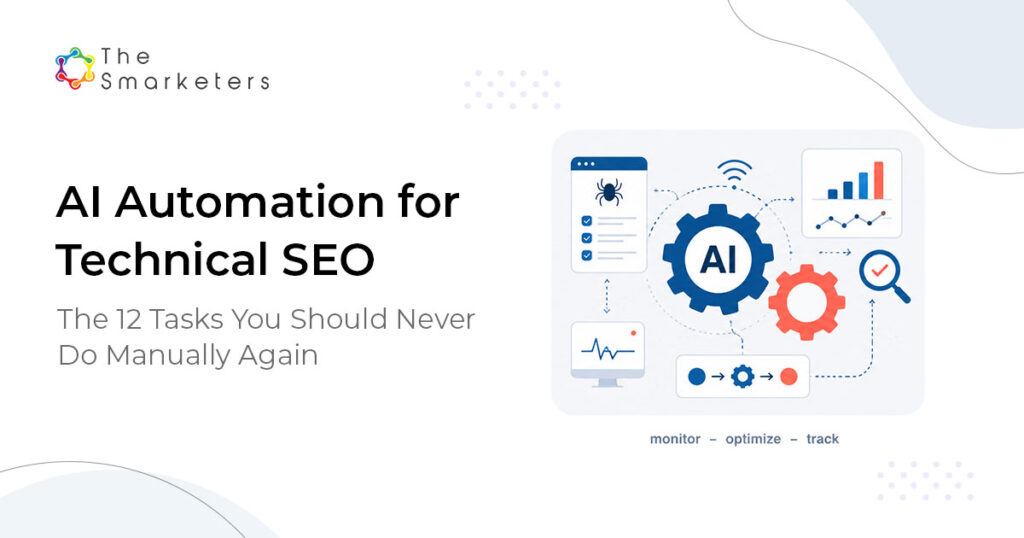
Group them into four categories. The table shows the manual pain and what to automate each with. None of these needs a developer on staff; they need a crawler, a no-code workflow layer, and an LLM for the judgment-light analysis.
| # | Task | Manual pain | Automate with |
|---|---|---|---|
| 1 | Crawl monitoring | Weekly manual crawls | Scheduled crawler + alerts |
| 2 | Index coverage alerts | Checking Search Console by hand | API pull + threshold alerts |
| 3 | Sitemap generation | Stale, hand-edited sitemaps | Auto-generated on publish |
| 4 | Orphan page detection | Spreadsheet cross-referencing | Crawl + internal-link diff |
| 5 | Schema generation | Hand-coding markup | Templated generation per type |
| 6 | Schema validation | Manual validator checks | Automated validation in CI |
| 7 | Schema deployment | Dev tickets for each page | Bulk deploy via templates |
| 8 | Core Web Vitals monitoring | Periodic PageSpeed checks | Continuous field-data alerts |
| 9 | Image optimization | Manual compression | Auto-compress on upload |
| 10 | Render-blocking detection | Manual audits | Automated performance flags |
| 11 | Internal link optimization | Manual link audits | LLM-suggested links, human-approved |
| 12 | Canonical management | Spot-checking duplicates | Rule-based canonical checks |
Category 1: crawl and indexation (tasks 1–4)
This is where revenue quietly leaks. A page that drops out of the index stops earning traffic and stops being eligible for citation, and on a large site you will not notice by hand for weeks. Automated crawl monitoring plus index-coverage alerts turn a weeks-late discovery into a same-day one. Auto-generated sitemaps and orphan-page detection keep new content discoverable the moment it ships.
Category 2: schema and structured data (tasks 5–7)
Structured data is how machines understand your pages, and it is foundational for both rich results and AI citation. The bottleneck is rarely knowing what schema to add; it is generating, validating, and deploying it at scale without a dev queue. Templated generation plus automated validation removes that bottleneck and keeps markup from silently breaking on a CMS update.
Category 3: performance and Core Web Vitals (tasks 8–10)
Google confirms page experience, including Core Web Vitals, is a ranking signal (Google Search Central). The conversion case is even stronger: Google’s research found a 0.1-second improvement in mobile load time lifted conversion rates by 8.4% and average order value by 9.2% (that study was retail, so treat it as directional for B2B, but the direction is clear, Google, Milliseconds Make Millions). Continuous field-data monitoring catches regressions before they cost you.
Category 4: content technical health (tasks 11–12)
Internal links and canonicals are where large sites slowly decay. An LLM is good at proposing relevant internal links from your own content (a person approves them), and rule-based canonical checks stop duplicate-content drift before it dilutes your authority.
What Tech Stack Runs This?
Three layers cover almost everything, and the architecture matters more than any single tool:
- A crawler. Screaming Frog or a hosted crawler, scheduled and wired to alerts.
- A no-code automation layer. n8n, Make, or Zapier to move data, run schedules, and trigger alerts.
- An LLM for analysis and drafting. To summarize crawl diffs, suggest internal links, and draft schema, always with a human approving before anything ships.
What Should You Automate First?
Start where impact is high and effort is low: index-coverage alerts and Core Web Vitals monitoring. They catch revenue-affecting problems early and take an afternoon to set up. Save the heavier items, schema deployment at scale and internal-link optimization, for after the monitoring is paying off.
| Automate first (high impact, low effort) | Automate later (higher effort, high payoff) |
|---|---|
| Index-coverage alerts | Schema deployment at scale |
| Core Web Vitals monitoring | Internal-link optimization |
| Crawl monitoring + alerts | Canonical management rules |
Where Does This Pay Off? Use Cases
- Large sites. Thousands of URLs make manual monitoring impossible; automation is the only way to keep coverage clean and citations intact.
- Lean teams. One technical SEO covering several properties gets their week back for strategy rather than spreadsheet audits.
- Post-migration or replatform. Automated crawl and coverage alerts catch the problems migrations always create, in hours instead of weeks.
- AI-visibility programs. Clean schema and fast, crawlable pages are prerequisites for being cited by AI engines, so automation protects your AEO and GEO work too.
Frequently Asked Questions
Can you automate technical SEO?
Yes, the repetitive parts. Crawl monitoring, index-coverage alerts, schema generation and validation, Core Web Vitals tracking, and canonical checks all automate well. Judgment calls and strategy stay human. The model is automation watches and drafts, while a technical SEO decides and approves.
What tools do you need to automate technical SEO?
Three layers: a scheduled crawler (such as Screaming Frog or a hosted crawler), a no-code automation tool (n8n, Make, or Zapier) to move data and trigger alerts, and an LLM to summarize crawl diffs and draft schema or internal-link suggestions for human review. No developer on staff is required.
Does technical SEO still matter with AI search?
More than before. AI engines read the same signals as search: clean crawlability, valid structured data, and fast pages. A broken schema or an uncrawlable page now hurts you in both Google rankings and AI citations, so technical health is the shared foundation for SEO, AEO, and GEO.
What should I automate first in technical SEO?
Start with index-coverage alerts and Core Web Vitals monitoring. They catch revenue-affecting issues early and take little effort to set up. Schema deployment at scale and internal-link optimization are higher effort, so tackle them once the monitoring is already paying off.
Does automating technical SEO hurt quality?
Not if you keep a human in the loop. Automation handles monitoring and busywork; people make the judgment calls and approve changes. Quality drops only when teams publish unreviewed automated output. Used correctly, automation improves quality by catching issues humans miss.
Want our technical SEO automation playbook?

Siddharth Rampelli
Senior Growth Marketing Manager