
Need help with B2B Marketing?
Let the smarketers’ team drive your pipeline with data-led campaigns and AI-powered growth strategies.
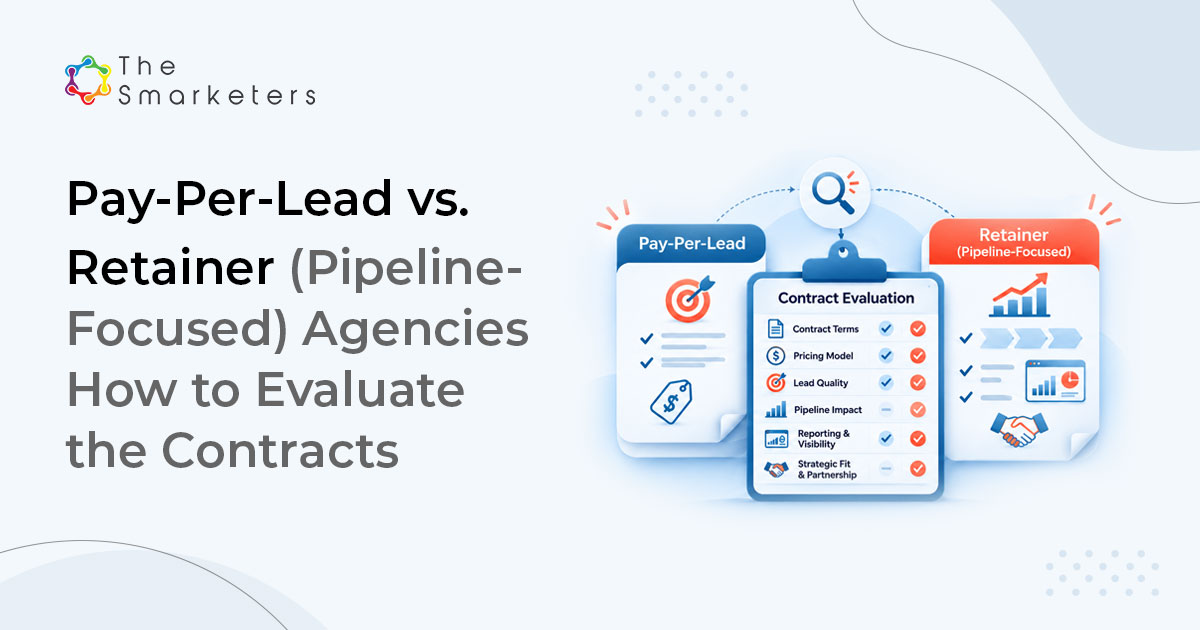
Imagine two agency proposals sitting on your desk. The first promises qualified leads at a flat rate per record. The second pitches a pipeline-focused engagement on a monthly retainer tied to an opportunity target.
The pay-per-lead option appears straightforward to track, while the pipeline model sounds more closely aligned with your revenue goals. Yet on their own, neither proposal guarantees you will actually generate more meaningful sales conversations.
In the pay-per-lead vs. retainer decision, the real differentiators do not sit in the billing structure. They live in the underlying contract terms. This guide walks through how to evaluate both agreements side by side.
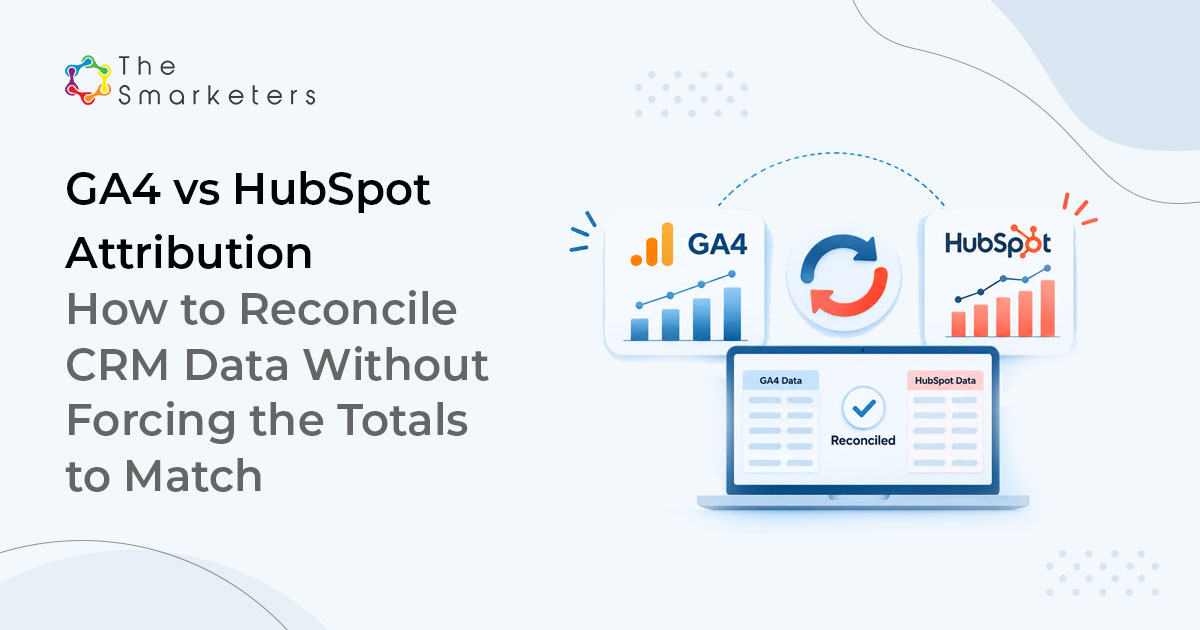
Quick answer: GA4 and HubSpot rarely show the same numbers because they track different outcomes (browser key events vs CRM records), identify people differently, use different attribution models, and apply different lookback windows. To reconcile them, pair only comparable metrics, freeze static exports, and explain the gap line by line instead of forcing totals to match.
GA4 vs HubSpot Attribution: Why the Two Reports Disagree
Five primary factors drive these discrepancies, and they frequently compound one another:
- They track different outcomes: GA4 logs browser-level key events, such as a form submission. A CRM tracks database records: new contacts, newly opened deals, and closed-won opportunities. A single demo request might register as one GA4 key event, generate one CRM contact, and produce zero deals.
- They identify people differently: GA4 relies on browser sessions and user identifiers, which are easily disrupted when visitors decline cookies or use ad blockers. A CRM operates on known contact records. A prospect who browses on a mobile device and later submits a form on a laptop may appear as two separate users in GA4, but as a single unified contact in your CRM.
- They apply different attribution rules: GA4 supports data-driven attribution alongside a limited set of rules-based models, such as paid and organic last click (Google retired first-click, linear, time-decay, and position-based models in November 2023). HubSpot provides its own suite of models, including first interaction, last interaction, linear, U-shaped, and W-shaped. Even two “last-click” models will diverge if they evaluate different sets of touchpoints.
- They evaluate different lookback windows: By default, the GA4 lookback window is 30 days for acquisition key events and 90 days for all other key events, and both can be shortened. A CRM, on the other hand, can assign credit to touchpoints that occurred much earlier in a contact’s lifecycle.
- They capture and filter traffic differently: If the GA4 tag and HubSpot tracking code aren’t installed on the same pages, one tool misses activity the other records. Each platform also filters bots and internal traffic using its own rules.
The table below summarizes how the two platforms differ.
| Factor | GA4 | HubSpot CRM |
|---|---|---|
| What it tracks | Browser key events, such as form submissions | Contacts, deals, and closed-won revenue |
| How it identifies people | Browser sessions and user identifiers | Known contact records |
| Attribution models | Data-driven and paid and organic last click | First interaction, last interaction, linear, U-shaped, W-shaped, and more |
| Lookback window | 30 days for acquisition key events, 90 days for all others (default) | Can credit touchpoints from much earlier in the contact lifecycle |
| Best used for | Channel trends and on-site behavior | Contact, pipeline, and revenue attribution |
How to Reconcile GA4 vs HubSpot Attribution in Six Steps
Step 1: Define the Question Each Report Answers
Before inspecting any data, write a single sentence summarizing what each report is designed to measure. For instance:
- GA4: “Which marketing channels drove website demo request form submissions last month?”
- HubSpot: “Which touchpoints receive credit for deals that closed won last quarter?”
Framed this way, it becomes immediately clear why GA4 and HubSpot numbers don’t match. The reports measure different outcomes across different timeframes. Simply stating the questions aloud often resolves the debate before any deeper analysis is needed.
Step 2: Document the Underlying Settings
Before pulling figures, record the exact configuration governing each report.
For GA4, document:
- The specific key event being tracked and its exact trigger condition
- The active reporting attribution model
- The lookback window configured for that key event
- The property’s reporting time zone
- Any active report filters or audience comparisons
For HubSpot (or your CRM), document:
- The report type: contact create, deal create, or revenue attribution
- The selected attribution model
- The interaction types included in the calculation
- The record eligibility criteria
Eligibility rules carry more weight than teams often realize. HubSpot’s revenue attribution reports only evaluate closed-won deals that have at least one associated contact and populated values for amount, create date, and close date. HubSpot explicitly notes that if a deal lacks an associated contact, its revenue will not be attributed to any interactions. In addition, deal create and revenue attribution reports require Marketing Hub Enterprise, whereas contact create reports are accessible on Marketing Hub or Content Hub Professional and Enterprise tiers.
There is also an important nuance on the GA4 side. Updating GA4’s reporting attribution model retroactively modifies both historical and future data, yet it does not alter user- or session-scoped dimensions like Session source and First user medium. Consequently, even two GA4 reports can contradict each other if one pulls Session source while the other uses the event-scoped Source dimension.
Step 3: Freeze Static Exports
Export both datasets for the identical date range and label each file with the export date. Avoid conducting your reconciliation inside live dashboards.
Historical GA4 figures can shift whenever someone modifies the attribution model, and CRM data evolves daily as deals advance and duplicate contacts are merged. Trying to reconcile moving targets makes it nearly impossible to reach a clean conclusion.
Step 4: Pair GA4 Key Events With the Matching CRM Records
Identify the metrics that logically correspond to one another and limit your comparison to those pairings.
A valid pairing matches a GA4 key event with the exact CRM record it is meant to generate. If your demo request form triggers a GA4 key event and simultaneously creates or updates a HubSpot contact, you can fairly compare the total key events against the count of submissions for that specific form over the same timeframe and time zone.
An invalid pairing compares GA4 key events against CRM closed-won revenue. Those represent completely different outcomes separated by months and governed by incompatible rules, so there is nothing meaningful to reconcile between them.
Even with a fair pairing, anticipate a form submission discrepancy between GA4 and HubSpot. Ad blockers, cookie consent rejections, repeated form submissions, and spam entries all introduce variance. Your goal is to account for that gap, not eliminate it.
Step 5: Audit 20 Closed-Won Deals in HubSpot
To check revenue attribution, start in the CRM: pull about 20 closed-won deals from the reporting period and run each through these five checks:
- Is at least one contact associated with the deal?
- Are the amount, create date, and close date fields populated?
- Which specific interactions received credit in the CRM?
- What original source is logged on the associated contact record?
- Where traceable, does that broadly align with what GA4 recorded for that individual’s initial visit?
This manual audit reveals whether the CRM’s credit allocation makes logical sense and highlights where data gaps exist. It also equips you with concrete deal examples the next time a stakeholder questions why the reports diverge.
Step 6: Build a Reconciliation Table That Isolates the Unexplained Residual
Finally, construct a concise marketing attribution reconciliation table that begins with one system’s total and steps down line by line to the other, attaching a clear explanation to every adjustment.
Below is an illustrative example using synthetic numbers:
| Line Item | Count | Reason |
|---|---|---|
| GA4 key events: demo request form | 46 | Total browser-recorded submissions |
| Less: internal test submissions from staff | minus 4 | Internal traffic not excluded in GA4 |
| Less: duplicate submissions by the same user | minus 6 | Single CRM contact, multiple browser events |
| Less: spam filtered out by the CRM | minus 3 | Blocked from creating contact records |
| Unexplained residual | minus 2 | Currently under review |
| Demo request form submissions in HubSpot | 31 | Contacts created or updated by the form |
In this breakdown, one item (internal test traffic) is a straightforward configuration fix, two (duplicate submissions and spam) reflect standard system behavior that should simply be documented, and only the residual is a true unknown. Align with your finance partner or analytics lead on an acceptable residual tolerance before using the report to guide decisions.
What Mistakes Should You Avoid When Reconciling GA4 and CRM Data?
Do not tweak one system just to match the other. Changing GA4’s attribution model or altering CRM filters purely to force identical totals quietly changes the underlying question each report answers, without stakeholders realizing it.
Do not equate attribution credit with causation. Both GA4 and CRM attribution only illustrate which touchpoints preceded an outcome and how credit was distributed among them. Neither platform can prove whether a deal would have closed without those interactions.
Do not use self-reported attribution to plug every tracking gap. Asking prospects how they discovered your brand adds valuable qualitative insight, but human memory is selective, and buyers frequently simplify their journey or cite only the most recent touchpoint. Treat it as a complementary signal rather than a fix for missing digital tracking.
Next Step: Document Your GA4 and CRM Settings
Before running your next GA4 vs HubSpot attribution comparison, document the Step 2 settings for both GA4 and your CRM and share them with whoever raised the question. Often, that overview alone resolves the discrepancy. If not, walk through the remaining steps and bring a clear reconciliation table to the discussion.
If you want hands-on support reconciling your reporting stack, our RevOps team can walk through it with you.
Frequently Asked Questions
Should GA4 key-event credit match CRM revenue credit?
No. GA4 assigns credit to browser key events such as form submissions using its own model and lookback window, whereas CRM revenue attribution evaluates closed-won deals under different rules and eligibility requirements. Because they measure distinct outcomes, their totals should not be forced to align.
Does changing GA4's attribution model affect Session source?
No. According to Google, user- and session-scoped dimensions, including Session source and First user medium, remain unaffected when you change the reporting attribution model. Only event-scoped dimensions, such as Source, Medium, Campaign, and Default channel group, are impacted.
How does HubSpot treat deals that have no associated contacts?
HubSpot excludes them from attribution reports entirely, noting that revenue cannot be attributed to any interactions without an associated contact. Track these unassociated deals separately so you know exactly how much closed revenue falls outside the attribution report’s visibility.
Can self-reported attribution cover every missing digital touchpoint?
No. While it provides helpful context, particularly for dark-social or offline channels that are difficult to track, it is inherently partial and relies on buyer recall. Present it alongside digital attribution rather than treating it as a substitute.
Which should I trust, GA4 or HubSpot?
Both, for different questions. Use GA4 for channel trends and on-site behavior. Use HubSpot for contact, deal, and revenue attribution. Most HubSpot vs Google Analytics discrepancies disappear once each report is used for the question it was built to answer.
What is an acceptable gap between GA4 and HubSpot form submissions?
There is no universal benchmark. Agree on a residual tolerance with your finance partner or analytics lead, explain every known adjustment, and investigate only the residual that falls outside that tolerance.

Venugopal Mamidala
Director of MarTech