Table of Contents
- Why does AI traffic show as Direct in HubSpot?
- Which AI referrer domains and user agents should you track?
- How do you track AI traffic in HubSpot beyond the native AI Referrals source?
- Which UTM parameters help track AI search traffic?
- How do you reconcile AI traffic data across HubSpot, GA4 and server logs?
- How do you report AI-influenced pipeline in HubSpot?
- What are the limits of AI traffic attribution?
- How often should you update your AI referrer list?
- Frequently Asked Questions
Need help with B2B Marketing?
Let the smarketers’ team drive your pipeline with data-led campaigns and AI-powered growth strategies.
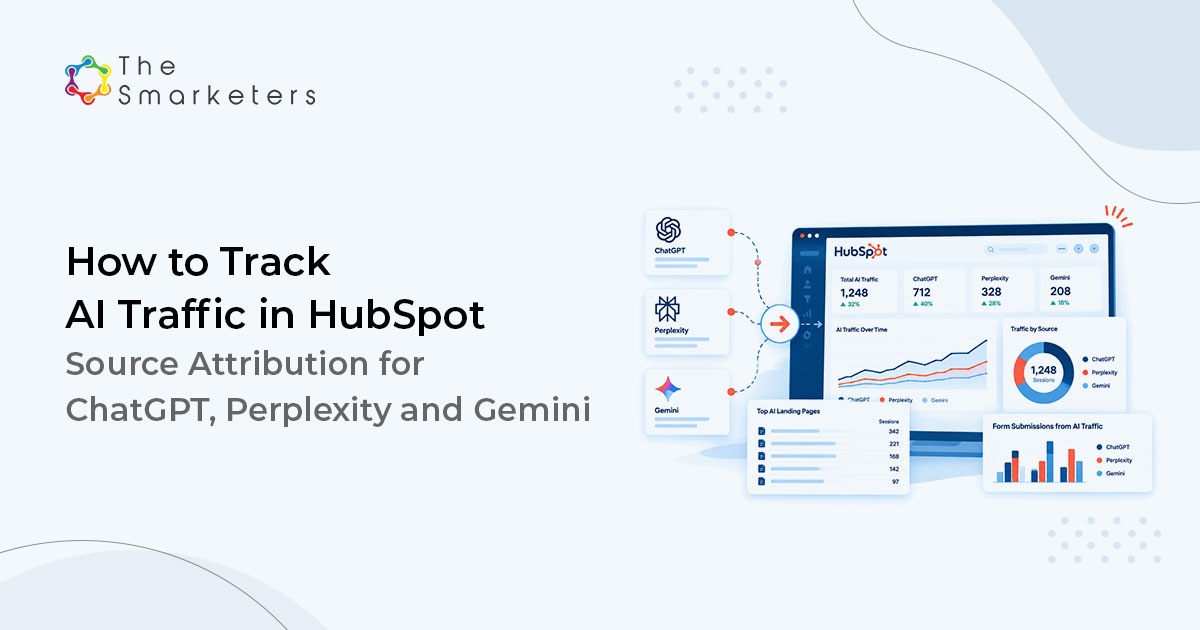
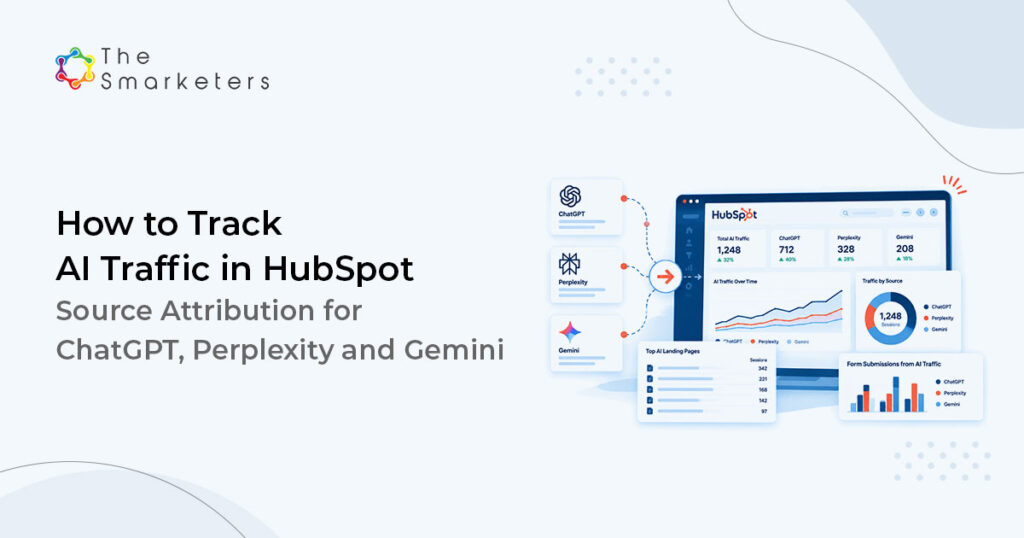
To track AI traffic in HubSpot accurately, go beyond the native AI Referrals source. HubSpot only uses it when a referrer or UTM survives, and many assistant visits arrive without one, so they land in Direct. Capture the raw referrer in a custom contact property, group assistant domains with a workflow, and reconcile against server logs. Analytics alone will always understate AI influence.
This is not a reporting nicety. If a quarter of your best-fit demand lands in an unattributable bucket, the channel that produced it looks like it produced nothing.
Why does AI traffic show as Direct in HubSpot?
Three mechanisms push AI referral traffic into Direct. Some assistants render answers inside a native or desktop application, where a click opens a browser with no referrer at all. Some strip the referrer for privacy. And some users read the answer, then type your domain into the address bar days later, which is genuinely direct even though the AI answer created the preference.
STAT
AI Overviews drove 7.53% of organic sessions between September 2025 and June 2026, and 22.4% of that traffic was misattributed to Direct rather than Organic. Source: Search Engine Land analysis of 51,200 tracked events, August 2026.
That misattribution sits on top of a shrinking click surface generally.
STAT
68.01% of US Google searches ended without a click in early 2026, up from 60.45% in 2024. Source: SparkToro and Similarweb clickstream study, June 2026.
Fewer clicks, and a fifth of the ones you do get filed incorrectly. Both problems need a build, not a dashboard filter.
Which AI referrer domains and user agents should you track?
Capture the assistant domains people click from, and keep AI crawler user agents separate. They answer different questions: referrers say a human arrived, crawler hits say a model fetched the page.
| Signal | Example values | Where it appears |
|---|---|---|
| Assistant referrer | chatgpt.com, chat.openai.com | Browser referrer, form capture |
| Assistant referrer | perplexity.ai, www.perplexity.ai | Browser referrer, form capture |
| Assistant referrer | gemini.google.com | Browser referrer, form capture |
| Assistant referrer | copilot.microsoft.com | Browser referrer, form capture |
| Assistant referrer | claude.ai | Browser referrer, form capture |
| Assistant referrer | grok.com, meta.ai, mistral.ai, poe.com | Browser referrer, form capture |
| Assistant UTM | utm_source=chatgpt.com | Landing URL, HubSpot Drill-down 2 |
| Retrieval agent | ChatGPT-User, OAI-SearchBot | Server log user agent |
| Retrieval agent | PerplexityBot, Perplexity-User | Server log user agent |
| Training crawler | GPTBot, ClaudeBot, Amazonbot | Server log user agent |
A retrieval agent fetches a page in response to a live user question; a training crawler does not. Retrieval hits on a specific URL are a leading indicator that the page is being used to answer questions.
How do you track AI traffic in HubSpot beyond the native AI Referrals source?
Start with what HubSpot already does. Original Source and Latest Source now include a native AI Referrals value, with the assistant domain in Drill-down 1, for visits where the referrer or an AI UTM survives. The value list is still not editable, and it cannot catch referrer-stripped visits, so build a parallel property set that keeps the raw referrer and flags deals.
| Factor | Native AI Referrals | Custom referrer build |
|---|---|---|
| Setup | Automatic | Hidden field, properties and two workflows |
| Captures | Visits with an intact referrer or AI UTM | Same visits, plus raw values for unrecognized assistants and self-reported sources |
| Misses | Referrer-stripped and app-based clicks | Referrer-stripped clicks, unless buyers self-report |
| Deal reporting | Through the contact source | A direct deal property, with no association traversal |
| Editable | No | Yes |
The custom build then adds five properties across contacts and deals.
| Object | Property | Type | Populated by |
|---|---|---|---|
| Contact | first_referrer_raw | Single-line text | Hidden form field set by script from document.referrer |
| Contact | ai_source_group | Dropdown | Workflow matching the referrer string |
| Contact | ai_first_seen_url | Single-line text | Hidden form field from the landing URL |
| Deal | ai_influenced | Boolean checkbox | Workflow copying from the associated contact |
| Deal | ai_source_group_deal | Dropdown | Workflow copying at deal creation |
Five steps. Add a hidden field to every form. On the first page of the session, store document.referrer in a first-party cookie or sessionStorage, then write that value into the hidden field, because document.referrer on the form page usually shows your own site. Create the dropdown with one option per assistant, plus “AI, unattributed” and “Self-reported”. Build a contact-based workflow that enrols when first_referrer_raw is known and sets ai_source_group through branching contains-any logic. Then a deal workflow that copies the value at creation, so revenue reporting needs no association traversal. Finally, add a “How did you hear about us?” field with ChatGPT, Perplexity and Gemini as options, so buyers can name the source the referrer dropped.
Which UTM parameters help track AI search traffic?
Limited, not useless. You cannot tag a link a model generates from your organic content, so UTMs help only where you control the link: documentation, syndicated listings, partner directories and anything you submit to a third party that AI systems cite heavily. One exception helps: ChatGPT appends utm_source=chatgpt.com to many cited links, and HubSpot reads it as AI Referrals.
| Placement | utm_source | utm_medium | Why |
|---|---|---|---|
| Vendor directory listing | directory name | referral | Directories are heavily cited sources |
| Syndicated article | publisher name | referral | Earned media drives most citations |
| Gated asset link in a partner portal | partner name | partner | Separates co-marketing influence |
| Documentation deep link | docs | internal | Tracks retrieval-driven doc entry |
Keep utm_medium values inside HubSpot’s recognised set where you want the traffic categorised predictably. A utm_medium of referral maps to Referrals with the source visible in the drill-down property, which is more useful than inventing a medium HubSpot files under Other Campaigns.
STAT
Roughly 84% of AI citations come from earned media and third-party sources. Source: MozCon, 2026.
That figure is the argument for spending your tagging effort off-site rather than on it, and it is the same reason generative engine optimization leans on earned media.
How do you reconcile AI traffic data across HubSpot, GA4 and server logs?
Each source sees a different slice, and the reconciliation is the point rather than an afterthought.
| Source | Sees | Blind to |
|---|---|---|
| HubSpot | Form-submitted contacts, first and last touch | Anonymous sessions with consent declined |
| GA4 | Sessions, referrer where present | Referrer-stripped visits, cross-device |
| Server logs | Every request including crawler agents | Anything served from a CDN edge cache |
Run the comparison monthly. Pull AI referrer sessions from GA4, AI-grouped contacts from HubSpot, and retrieval hits by URL from the logs. Where log activity on a URL is high and contact creation is zero, models are reading the page and it is not converting. That is a content problem, not a tracking one.
We ran this for a client whose Direct traffic had grown 40% year on year with no campaign to explain it. Adding the referrer capture field took an afternoon; the first full month showed a mid single-digit percentage of new contacts carrying an assistant referrer, and the server logs showed retrieval agents hitting three comparison pages far more often than anything else on the site. Those three pages then got rebuilt first, using the same answer-first structure we use to rank in AI Overviews.
PROOF POINT
Perspectium grew organic visibility by 66.52% and moved 25 keywords into the top ten, working a narrow topic set rather than publishing broadly. The same logic applies here: rebuild the few pages retrieval agents already favor before publishing anything new.
How do you report AI-influenced pipeline in HubSpot?
Three reports, all on the two properties above. Contacts created by ai_source_group over time gives the trend. Deals with ai_influenced set to true, by stage and amount, show your AI-influenced pipeline. Win rate split by the same flag shows whether these buyers close differently, and in our experience they arrive later in their process and move faster.
Add a fourth that filters Original Source to AI Referrals, then compare it with ai_source_group. It will not replace the custom property, but it cross-checks it and fits neatly into a multi-touch revenue attribution dashboard.
KEY TAKEAWAY
Report AI influence as a flag on records you already trust, not as a separate channel in a source report. It survives audit better and it stops the argument about whether the channel is real.
What are the limits of AI traffic attribution?
Plenty, and naming the gaps in AI traffic attribution protects the credibility of everything else.
You cannot see the conversation. You will never know which question produced the click, only that a click happened. You cannot attribute the reader who saw your brand cited, formed a preference, and arrived through a branded search four weeks later; that shows as Organic Search and is indistinguishable from any other branded query.
STAT
Only 15% of pages retrieved by ChatGPT appear in the final answer. Source: reported by Search Engine Land, March 2026.
So retrieval agent hits in your logs are a weak positive signal, not proof of citation, which is why citation tracking needs its own AI search visibility measurement layer. Consent management removes another slice: where a visitor declines cookies, HubSpot has no first-touch data to attribute at all. And referrer capture only fires on form submission, meaning anonymous browsing is invisible unless you add custom behavioural events.
How often should you update your AI referrer list?
Quarterly, on a calendar invitation or inside an automated AEO and GEO workflow, because the list decays. Assistant domains change, products launch, and user agent strings are revised without announcement.
Four maintenance tasks keep your setup to track AI traffic in HubSpot accurate. Re-check the referrer domain list against your raw referrer property for unmatched values. Update the user agent list in your log parsing. Confirm your robots directives still allow the retrieval agents you want and block the training crawlers you do not. Re-run the reconciliation and note the drift.
Our AEO and GEO services team treats the unmatched values in first_referrer_raw as the discovery mechanism, and our HubSpot consulting team keeps the workflow branches versioned so a change can be rolled back.
Frequently Asked Questions
Does HubSpot track AI referrals automatically?
Yes. HubSpot classifies visits from recognized assistants such as ChatGPT, Claude, Perplexity, Copilot and Gemini as AI Referrals, with the platform shown in Drill-down 1. It only works when a referrer or AI UTM parameter arrives with the visit, so referrer-stripped clicks still land in Direct.
How do I track ChatGPT traffic in HubSpot?
HubSpot tags visits from chatgpt.com as AI Referrals automatically when the referrer or UTM survives. To catch more, add a hidden form field that stores the first-session referrer in a custom contact property, then use a workflow to set an AI source group dropdown when it contains chatgpt.com or chat.openai.com.
Why is AI traffic showing as Direct?
Because the referrer is frequently absent. Assistants that render answers in a native or desktop application open links without a referrer header, and some strip it deliberately. Search Engine Land’s August 2026 analysis of 51,200 tracked events found 22.4% of AI Overviews traffic was misattributed to Direct rather than Organic.
Can you edit HubSpot's Original Source values?
Because the referrer is frequently absent. Assistants that render answers in a native or desktop application open links without a referrer header, and some strip it deliberately. Search Engine Land’s August 2026 analysis of 51,200 tracked events found 22.4% of AI Overviews traffic was misattributed to Direct rather than Organic.
What is the difference between an AI crawler and an AI referrer?
A crawler is a server-side request from a bot such as GPTBot or PerplexityBot, visible only in server logs. A referrer is a browser signal showing a human clicked through from an assistant. Retrieval agents such as ChatGPT-User sit between the two, fetching pages in response to live questions.
Do UTM parameters work for AI search traffic?
Only where you control the link, which means directory listings, syndicated articles, partner portals and documentation. You cannot tag a link a model generates from your own pages. Since MozCon reported in 2026 that roughly 84% of AI citations come from earned and third-party sources, off-site tagging is where the effort pays.
How do you measure AI-influenced pipeline?
Copy the AI source group to a boolean deal property at deal creation, then report deal count, amount and win rate split by that flag. Treat it as an influence marker rather than a channel, because the buyer who saw a citation and returned through branded search will never carry the referrer.
How often should the referrer list be updated?
Quarterly. Assistant domains and user agent strings change without notice, so review unmatched values in your raw referrer property, refresh the log parsing list, and confirm your robots directives still allow the retrieval agents you want. Note the drift each quarter so the trend line stays interpretable.

Swati Bansal
Sr. Content Strategist